
01
How do I choose which character commands the fleet?
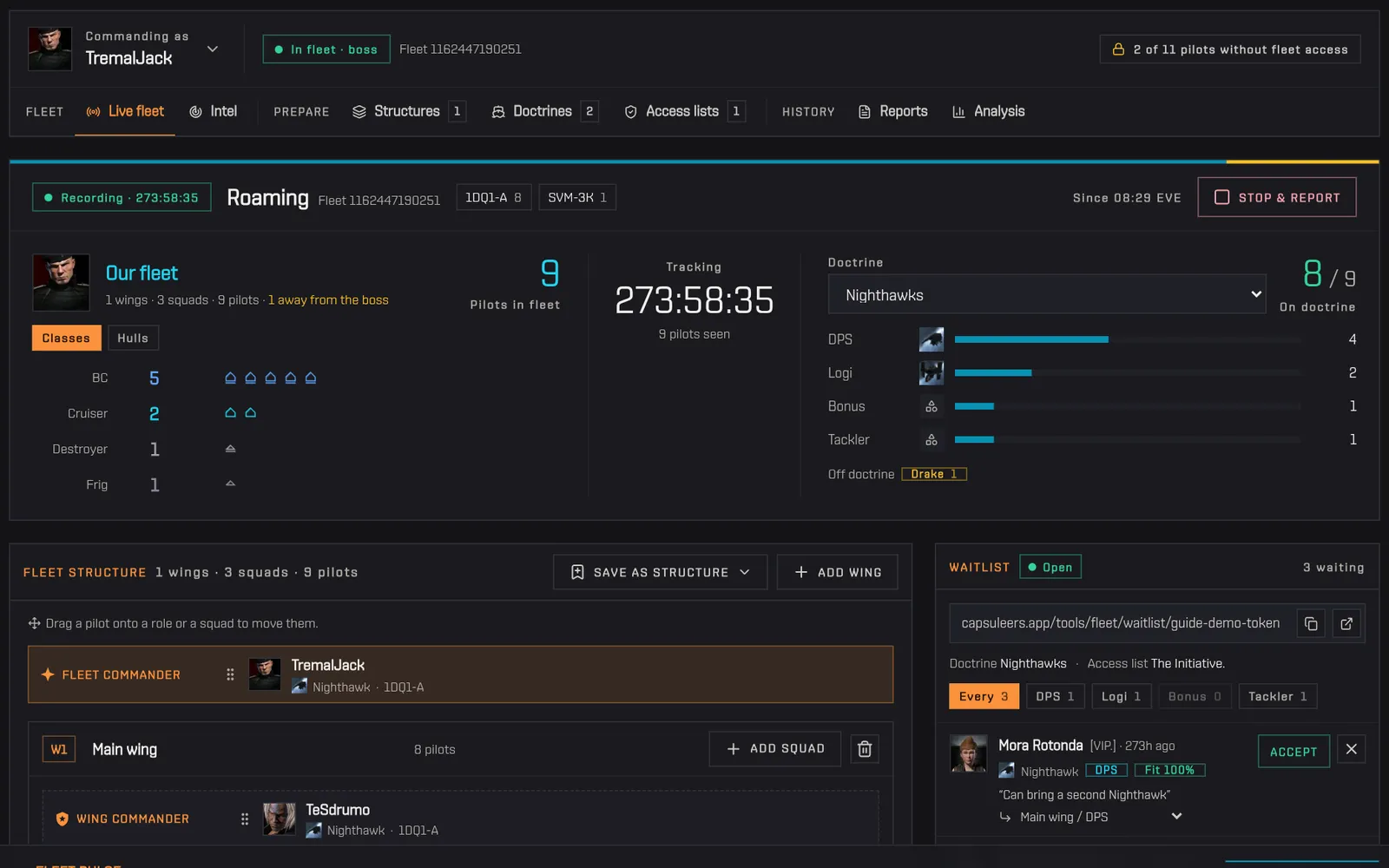
To choose which character commands the fleet, use the picker at the top of Fleet Ops on Capsuleers (Capsuleers.App): every linked character is in it. Fleet Ops checks once which of them are in a fleet or boss of one, and selects the right one on its own: the one with a running tracker, then the boss, then the one in fleet. Characters without the fleet permissions are listed apart with what they lack.
How to use it
- Open the picker under «Commanding as».
- Pick a ready character, or one from «Need fleet permissions».
- For a character without permissions, the notice offers a button that opens your profile on that character with the fleet service to enable highlighted.
EVE login
Tip If the selected character is only a member and another of your characters is boss of the same fleet, the board offers to switch to the boss.


