How do I load my wallet journal?
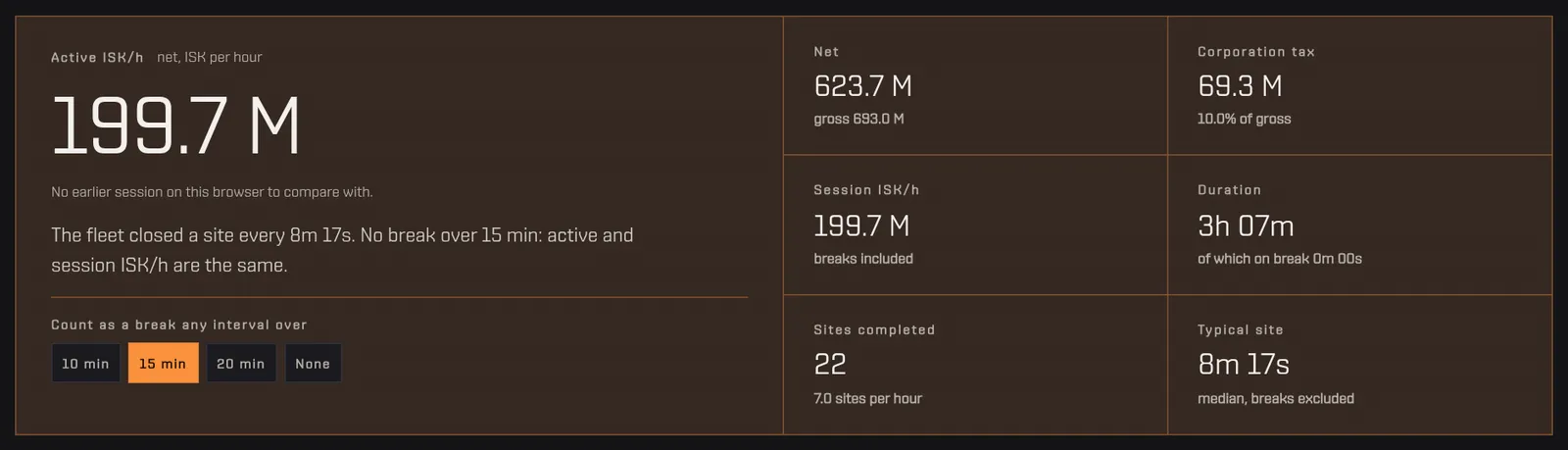
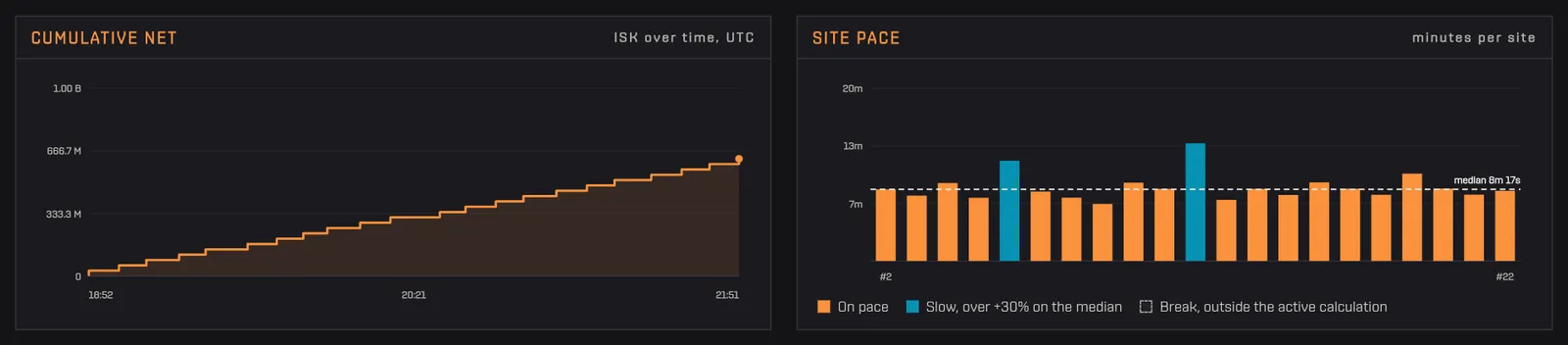
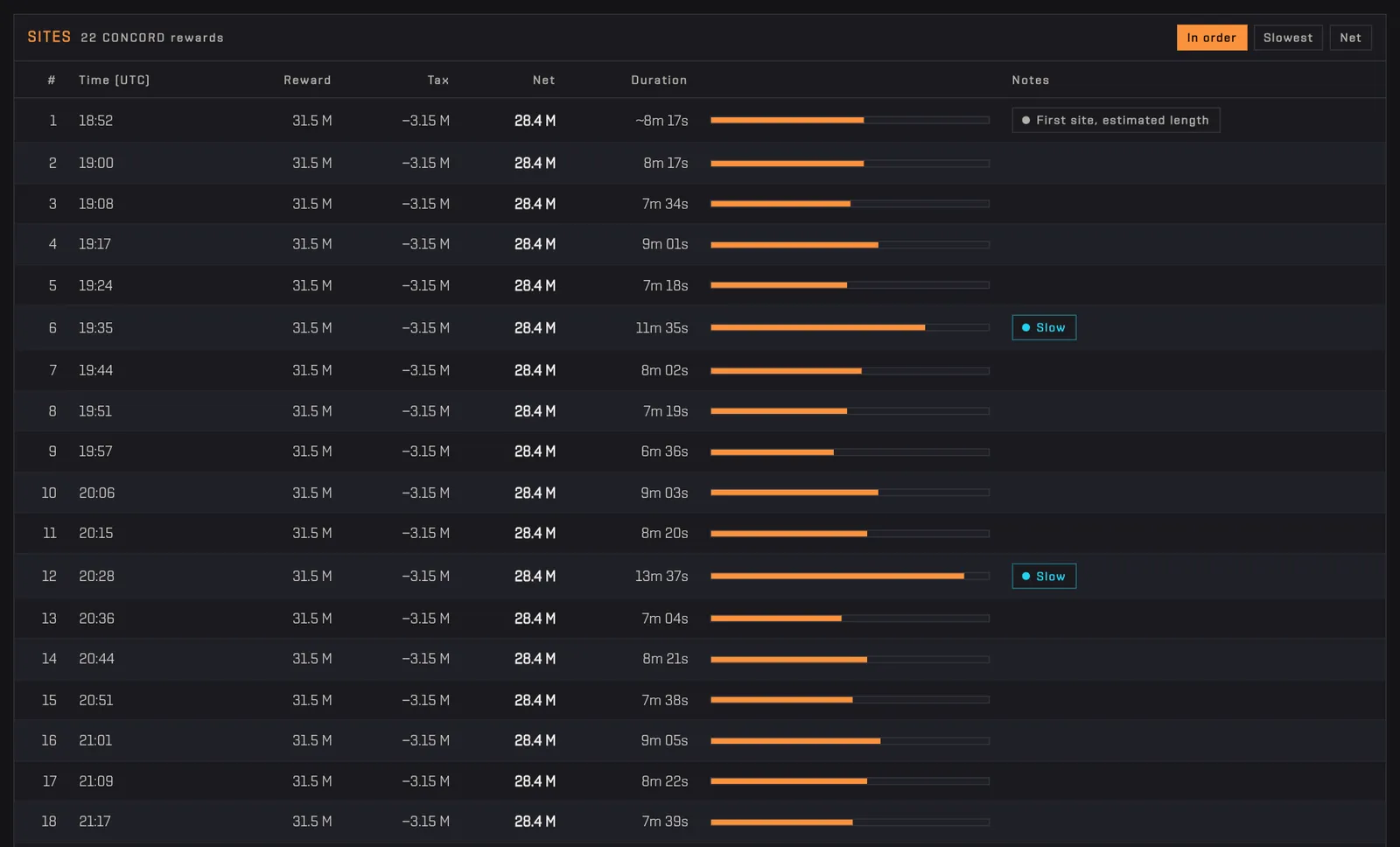
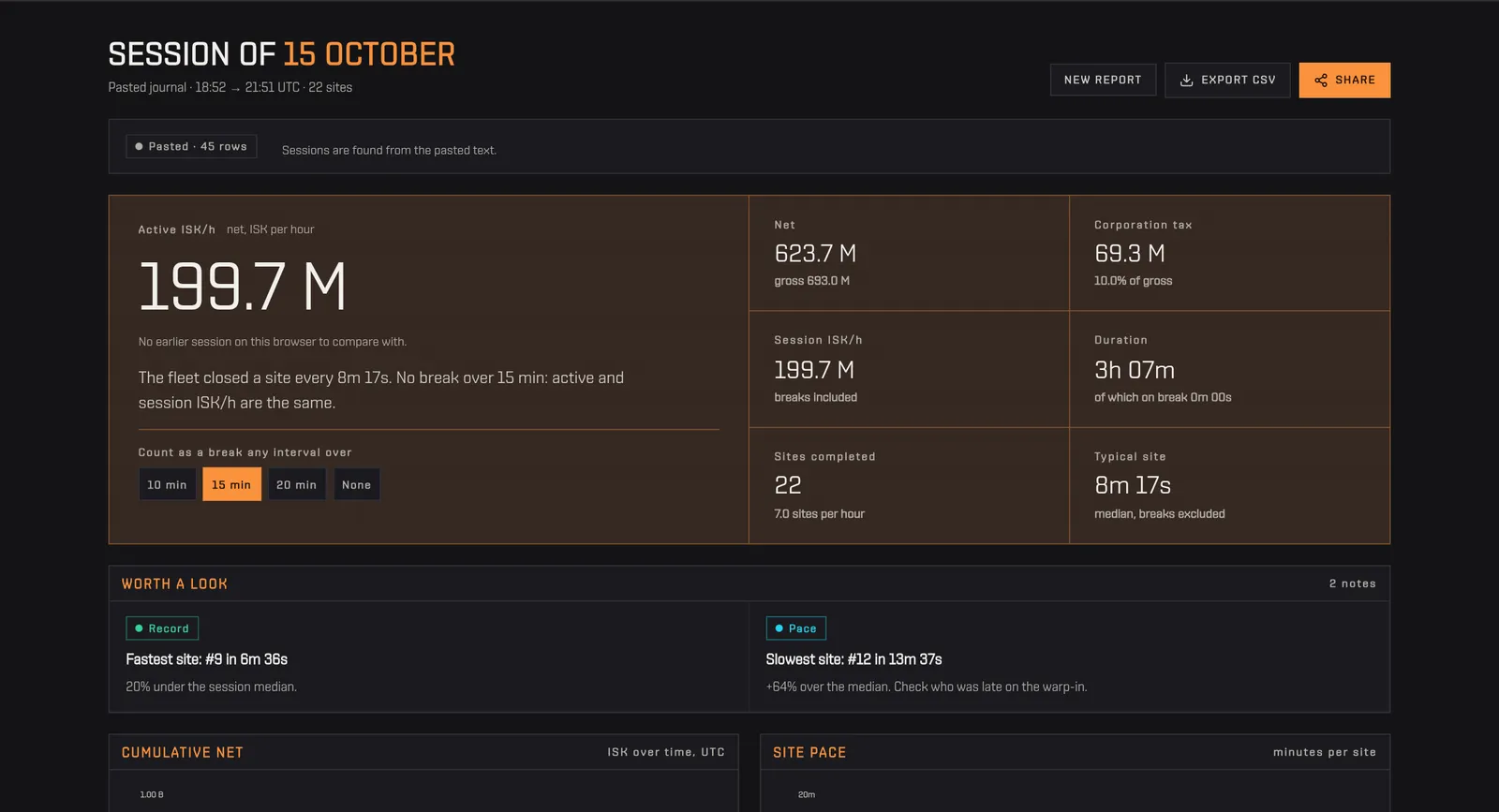
The Incursion ISK/h calculator has two sources for an incursion session. «From the wallet via ESI» is the easiest: link a character with the read-only wallet permission (esi-wallet.read_character_wallet.v1) and the tool finds your sessions for you. ESI keeps the journal for 30 days and refreshes it about once an hour, so the last few minutes may be missing. «Paste the journal» needs no login: copy the rows from the client and paste them in the box. Either way only CONCORD rewards and their corporation tax are used; market orders, bounties and everything else are ignored. You can revoke the wallet permission at any time from your profile.
How to use it
- Choose «From the wallet via ESI» and authorise the wallet permission, or choose «Paste the journal».
- To paste: in EVE open the Wallet, go to the Journal tab and show the period of your session.
- Click a row, press Ctrl+A and Ctrl+C, and paste in the box; you do not need to remove other rows.
- Press «Analyse session».
Tip Both number formats work (1,234,567.89 and 1.234.567,89) and so do ISO and European dates, so the client language does not matter for numbers and dates.