How do I find an alliance's space on the sov map?
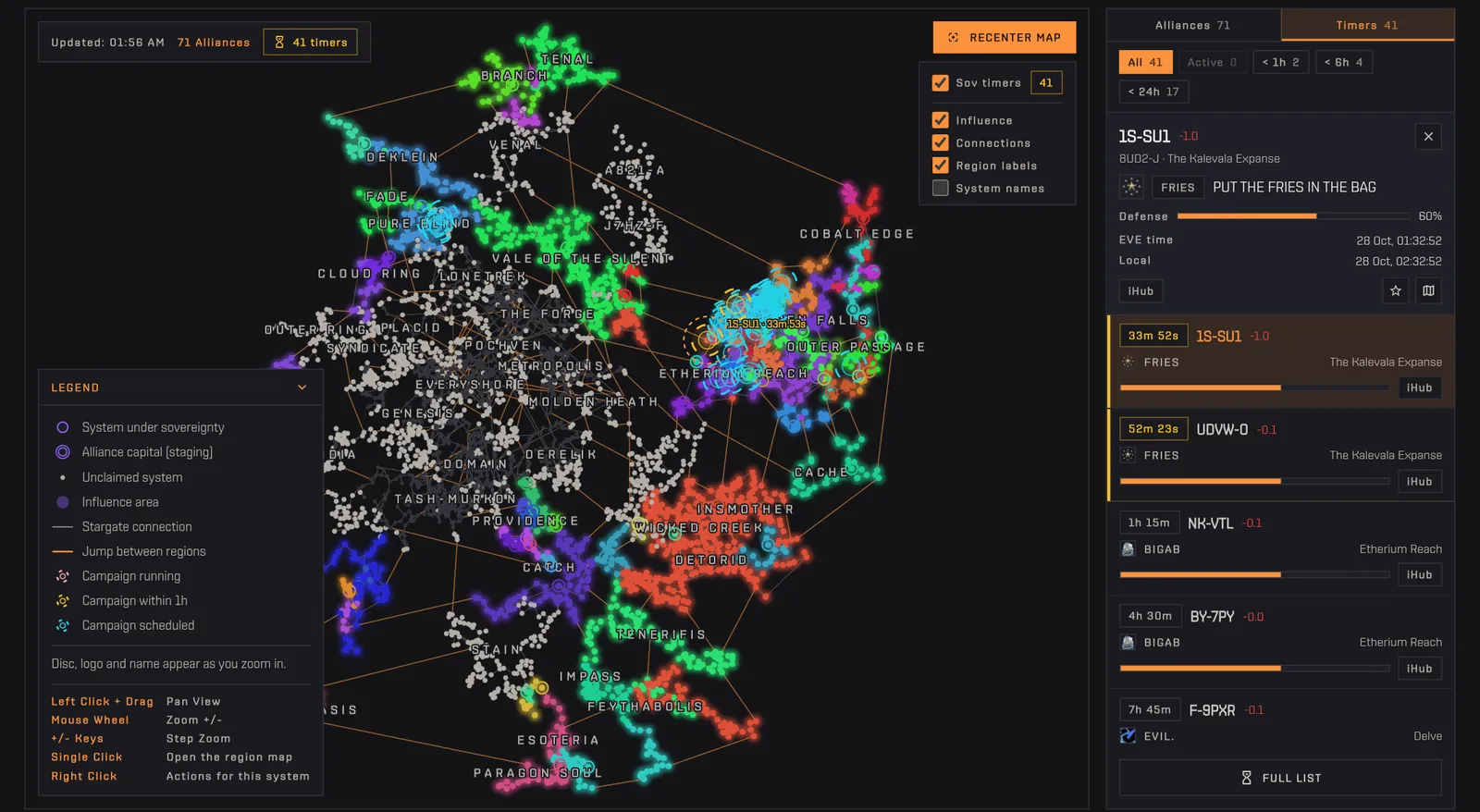
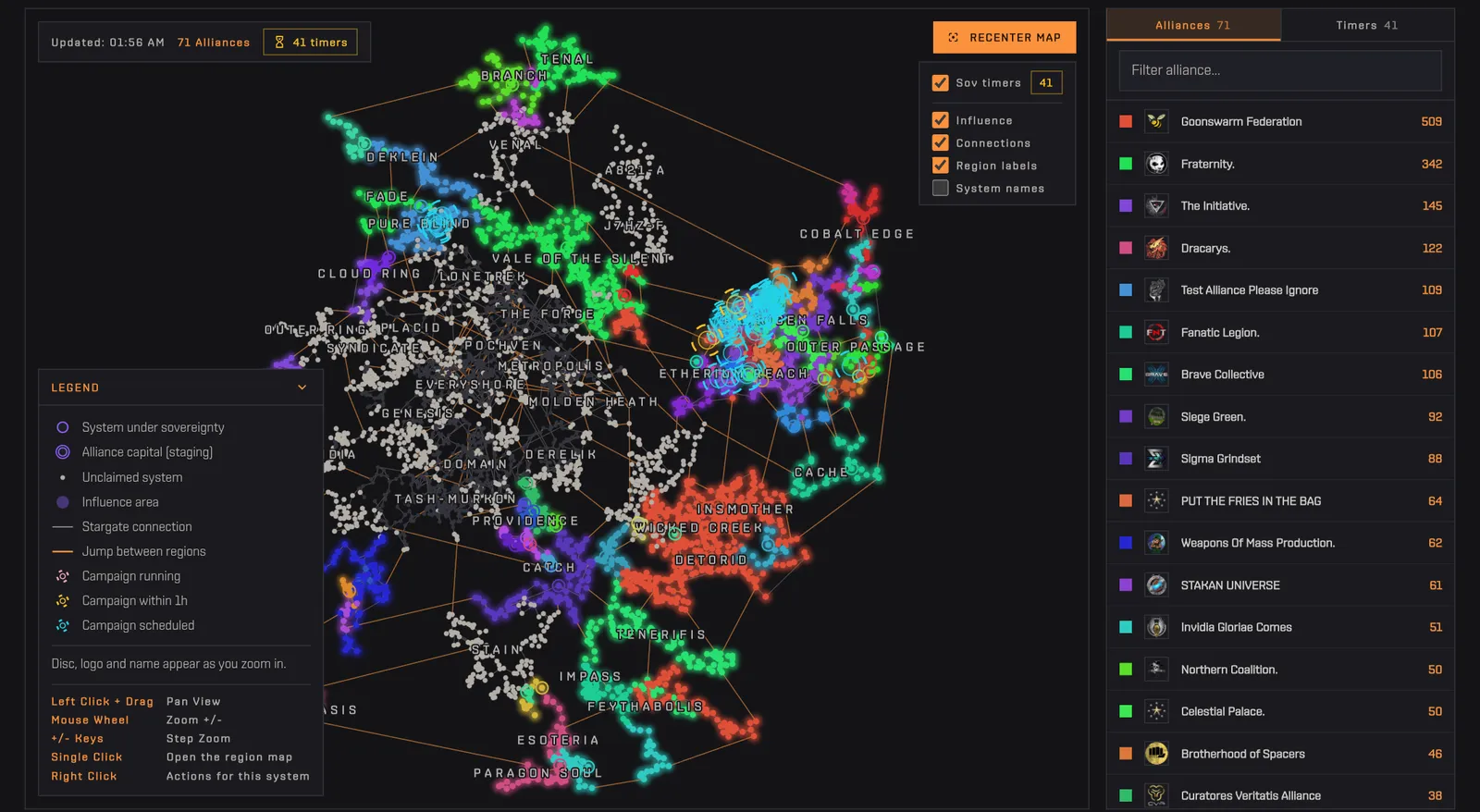
The Alliances tab of the Sov Map ranks every alliance holding sovereignty in nullsec by the number of systems it holds, each with its colour and logo. Type part of a name in Filter alliance and click the result: the map dims everything else and keeps only that alliance's systems lit, so its borders, enclaves and distance from the nearest rival show immediately. The number on the right of each row is how many systems the alliance holds right now, updated with the sovereignty data every ten minutes. Click the alliance again, or press Clear selection, to see everyone. You can also start from the map, by right-clicking a system and choosing Highlight.
How to use it
- Type part of the name in Filter alliance.
- Click the alliance in the list: the map highlights its systems.
- Click it again, or press Clear selection, to see everyone again.
Tip The number on the right of each alliance is how many systems it holds right now.