

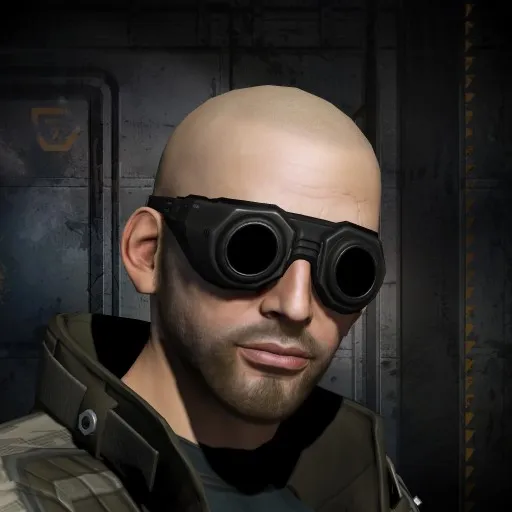


- Kills
- 763
- +0 in the last 90 days
- Losses
- 78
- +0 in the last 90 days
- Efficiency
- ISK Efficiency 99%
- ISK destroyed
- 1.56T
- +0 in the last 90 days
- Activity
- Inactive
- 0 kills/day · last 90 days
Combat Record
Career-long numbers from eve-kill
Combat
- Kills
- 763
- Losses
- 78
- Danger Ratio
- 95%
- Final Blows
- 42
- Points
- 763
ISK
- Destroyed
- 1.56T
- Lost
- 23.21B
- Balance
- +1.54T
- ISK Efficiency
- 99%
Solo
- Solo Kills
- 6
- Solo Ratio
- 1%
- Avg Kills/Day
- —
Other
- NPC Losses
- 4
- NPC Loss Ratio
- 5%
- Activity
- Inactive
Damage Dealt11.5M
Damage Ratio · 83%
Damage Taken2.3M
Activity
What they fly, where they fight, latest kills and losses
Most Valuable
The priciest kills in the window
Matchups
Who they kill, who kills them, what they lose
Last 90d
Killed
Killed By
Hulls LostLosses broken down by hull class.
In-game bio
press and hold crl +alt to open a magnifier
Ctrl + F9 hides the interface, great for screenshots ctrl +f9 to
bring it back
Ctrl + alt + shift + m, opens a new window where you can see
detailed graphics and network packet info
Ctrl + F opens a small fps monitor that can be draged around the
screen
Pressing and holding alt while in space will show every
object you may warp to regardless of overview
settings, great if you need to warp out in a hurry and
haven't aligned for warp
Ctrl + F9 hides the interface, great for screenshots ctrl +f9 to
bring it back
Ctrl + alt + shift + m, opens a new window where you can see
detailed graphics and network packet info
Ctrl + F opens a small fps monitor that can be draged around the
screen
Pressing and holding alt while in space will show every
object you may warp to regardless of overview
settings, great if you need to warp out in a hurry and
haven't aligned for warp