01
How do I copy my inventory into the calculator?
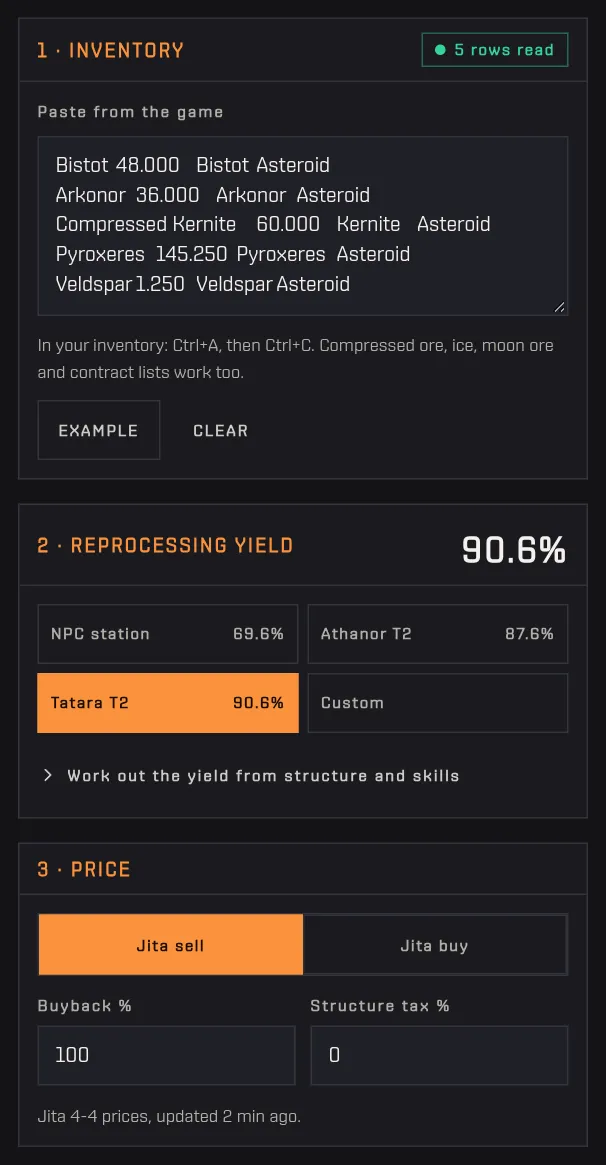
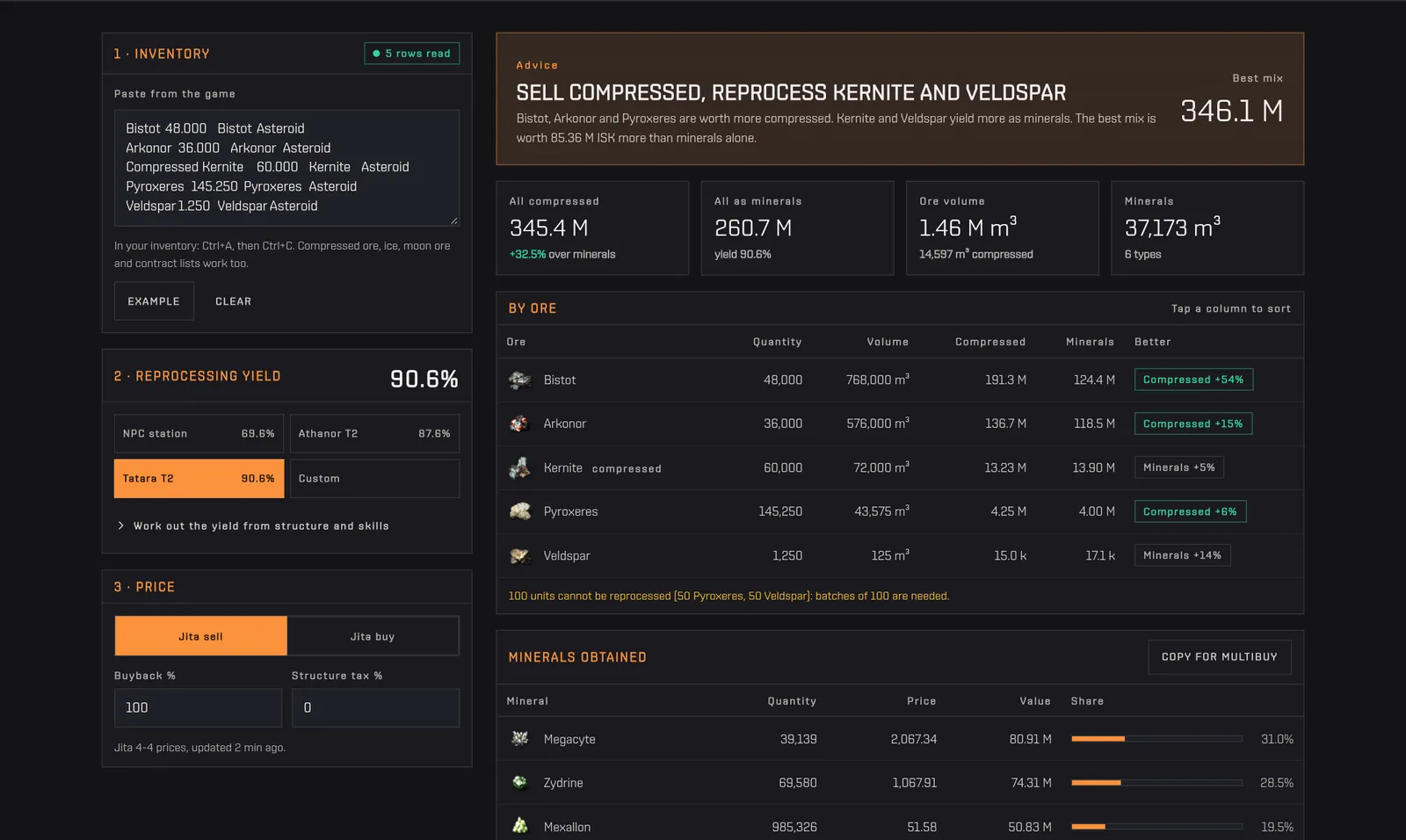
The calculator reads the inventory exactly as the client copies it: one line per stack, with the name and the quantity separated by tabs. Compressed ore, ice and moon ore work too, and so do the lists you get from a contract or a multibuy window, in the form "name quantity", "name x1000" or "name 1,000".
How to use it
- Open the inventory (or the ore bay) with the list view, click inside it and press Ctrl+A, then Ctrl+C.
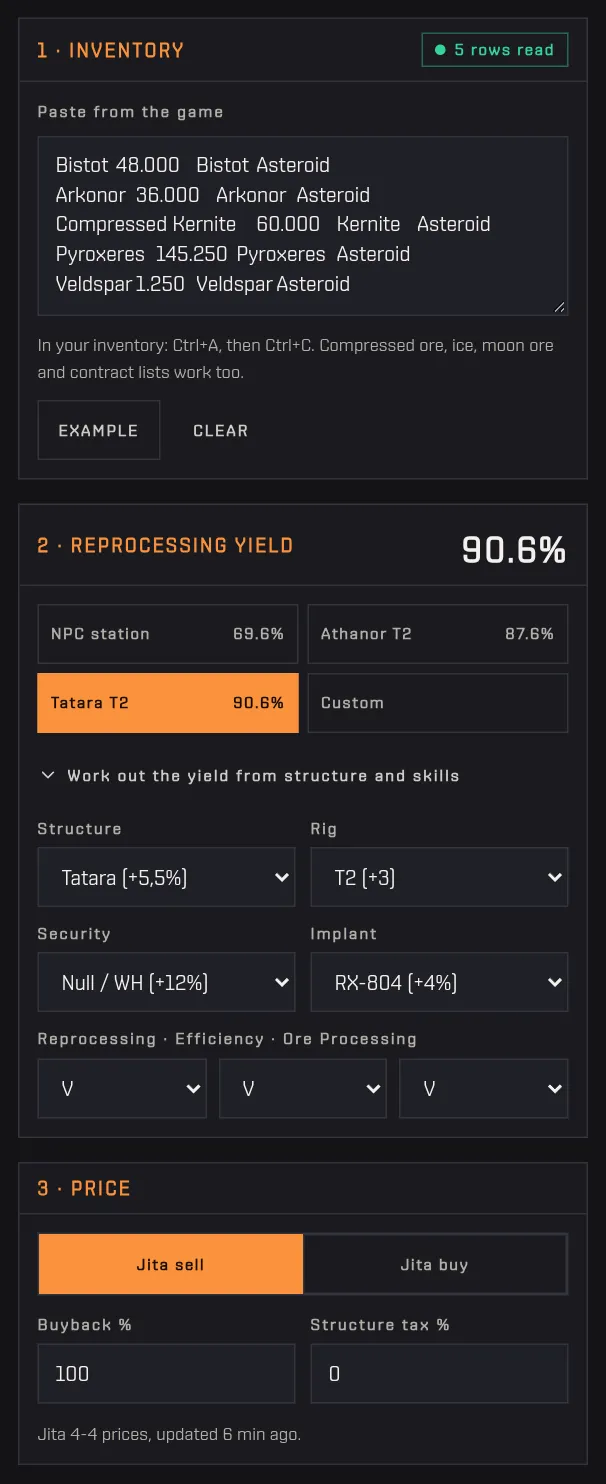
- Paste into the "Paste from the game" box. Header lines, blank lines and lines without a quantity are ignored on purpose.
- Check the "rows read" counter. Lines the tool does not recognise appear below the box, in a list: nothing is dropped silently.
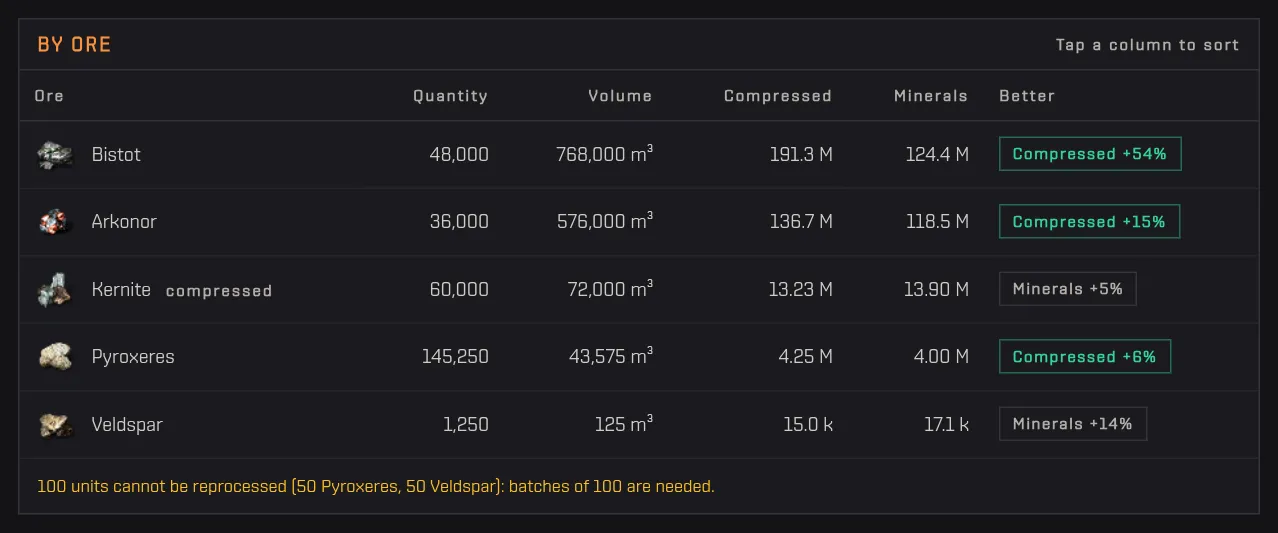
- Several stacks of the same ore are added up, and compressed and raw units of one ore end up on the same line.
No account needed
Tip Only English item names are matched. If your client runs in another language, switch it to English before copying, or the lines will come back as "not recognised". Windows or Linux line endings do not matter, and numbers are read in any format (1,250 or 1.250 or 1 250).