
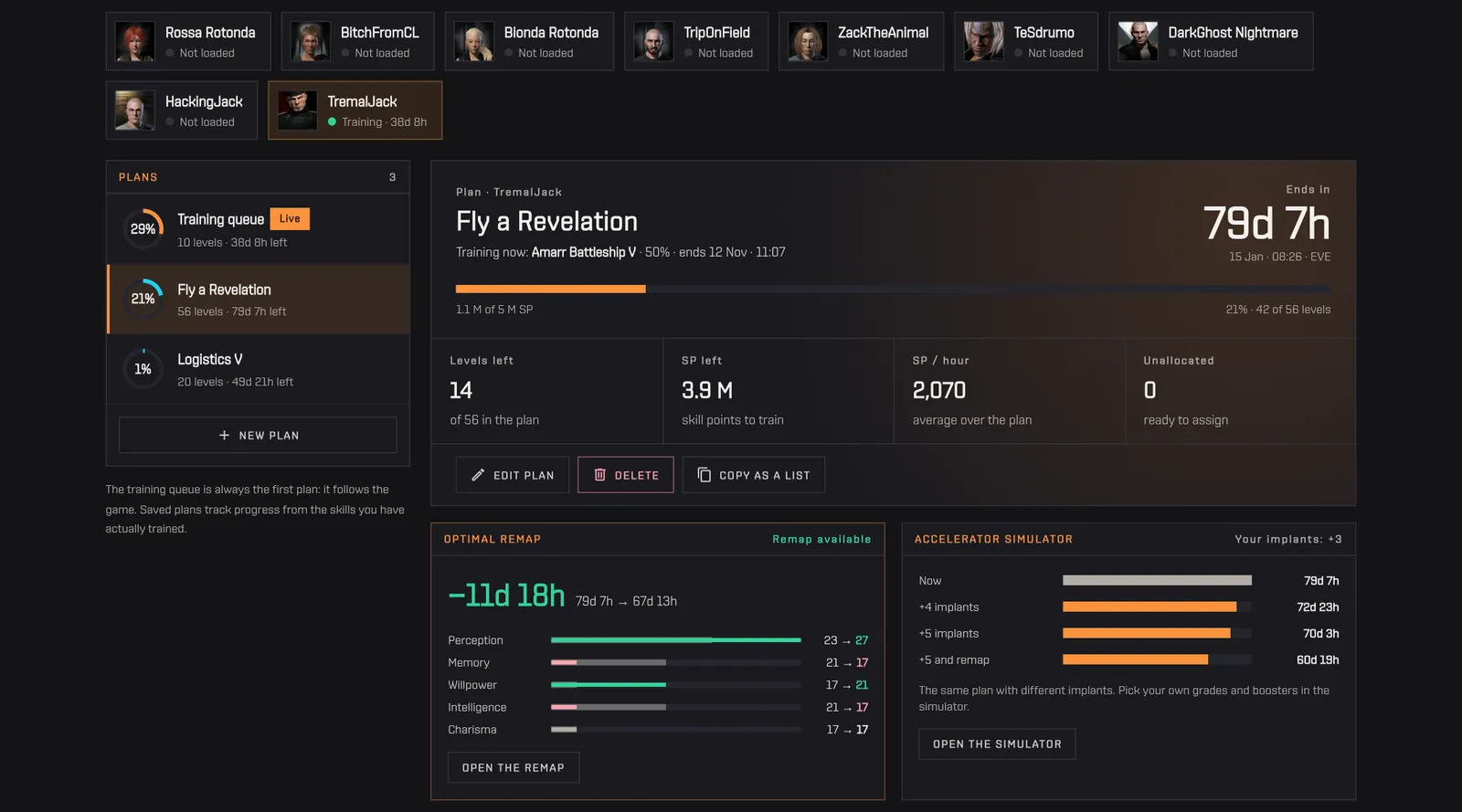
How do I see when my training queue ends?
Skill Plans on Capsuleers.App reads each pilot's training queue from ESI and opens it as the first plan, marked Live. You see the skill in training with its percentage, the end date in EVE time, the progress bar, the levels and skill points left, SP per hour and unallocated points. The end date is the one ESI reports, so it matches the game client even after a remap or a new implant. Each pilot has its own tab at the top, so switching between alts is one click. From the live plan you can press Save as a plan to keep an editable copy, or Copy as a list to paste the queue into a forum post or another planner. The page only reads: your queue is never changed.
How to use it
- Open Skill Plans and pick a pilot from the tabs at the top.
- The «Training queue» plan opens on its own and follows the game.
- Use «Save as a plan» to keep a copy you can edit, or «Copy as a list» to paste it elsewhere.
Tip The queue uses the dates ESI reports, so it matches the client even after a remap or a new implant.


